Your wedding in three questions
No form to fill in: creating your wedding on Zendegi.Studio takes three questions, asked one at a time.
Wedding tools love forms. Twenty fields, half of them optional, before you see anything at all. Ceremony time, reception time, dress code, colour palette, hashtag. By the time you reach the end, the excitement you started with has turned into homework.
We wanted the opposite.
One question at a time
Creating your wedding on Zendegi.Studio is a short conversation. The assistant asks three questions, in this order:
- Your names.
- The date, picked in a calendar.
- The place.
Only the current question is on screen, in large type, with nothing else competing for your attention. A short pause before each one, like someone thinking before they speak, keeps it from feeling like a form in disguise.
Each answer shapes the next question
The assistant listens. Once you give your names, it greets you by them. Once you pick a date, it repeats it in words, so you can see at a glance that you chose the right Saturday and not the one before.
If an answer is empty or does not make sense, it says so right under the field, in plain words, and waits. Nothing is sent until it is right.
Why only three
We could have asked for more. We chose these three because they are the details every guest needs first, and the ones every scene uses: who, when and where.
Everything else can wait. The schedule, the venues, the menu and the dress code belong to later steps, when you are building the rest of your website and know more than you do today.
Then a summary
After the third answer, you see the three details together, with "Create my wedding" and "Start over". If something is off, "Start over" clears the answers and asks again from the beginning. If everything is right, one click creates your wedding.
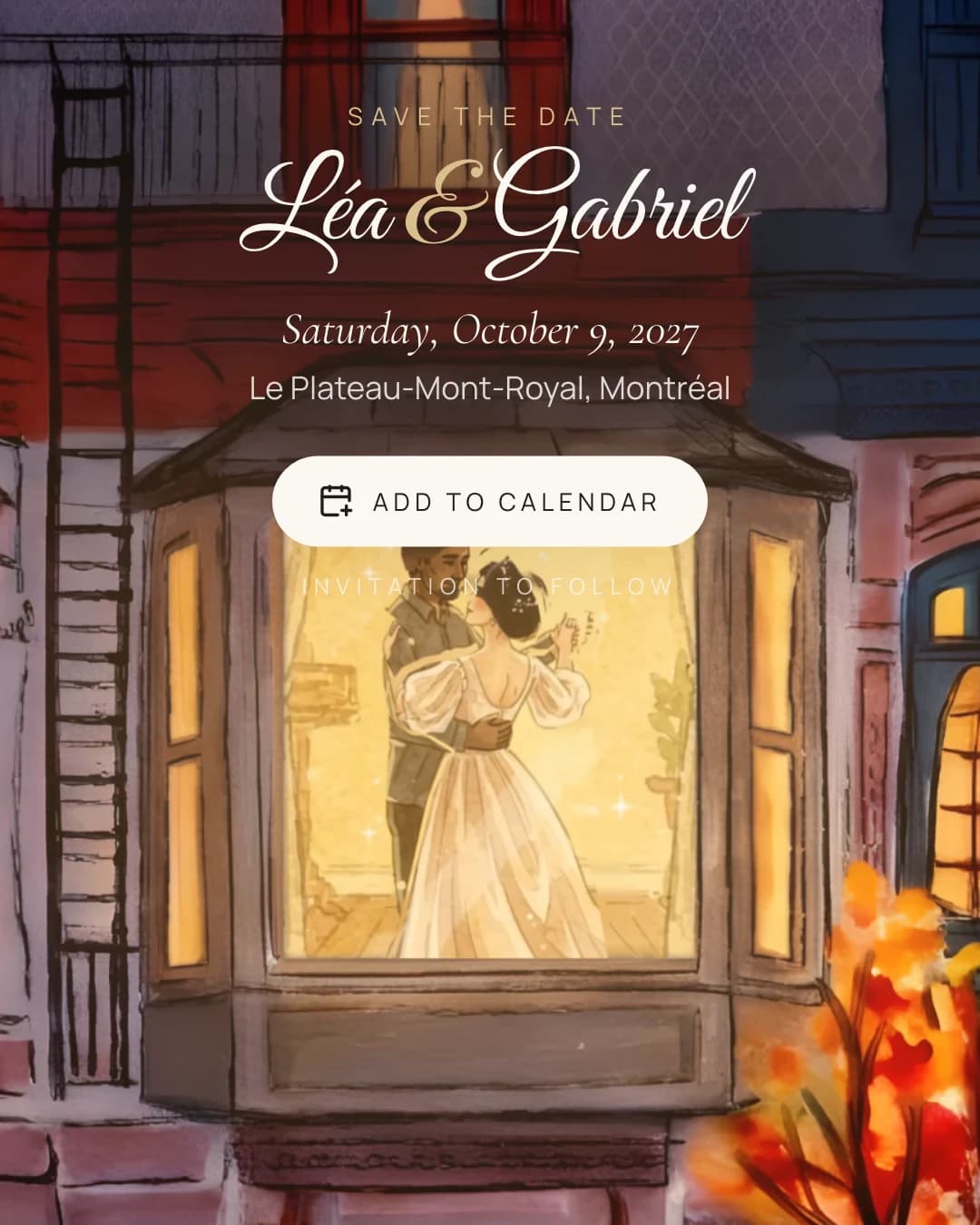
That is it. From there you go straight to choosing your save the date, and each scene already plays with what you just told us.
It works without a mouse
The conversation is built to be used with a keyboard and a screen reader. The field is focused as soon as a question appears, the question is its label, Enter sends the answer, and each new line from the assistant is announced. On a phone, a quiet "Continue" button does the same as Enter.
Why it matters
The first minute sets the tone. If creating your wedding feels like talking to a planner instead of filling in paperwork, the rest of the planning can feel that way too.
And it is honest about what it is. The assistant follows a script we wrote; it does not invent answers or guess at your plans. It asks clearly, listens, and gets out of the way.